

Always at hand
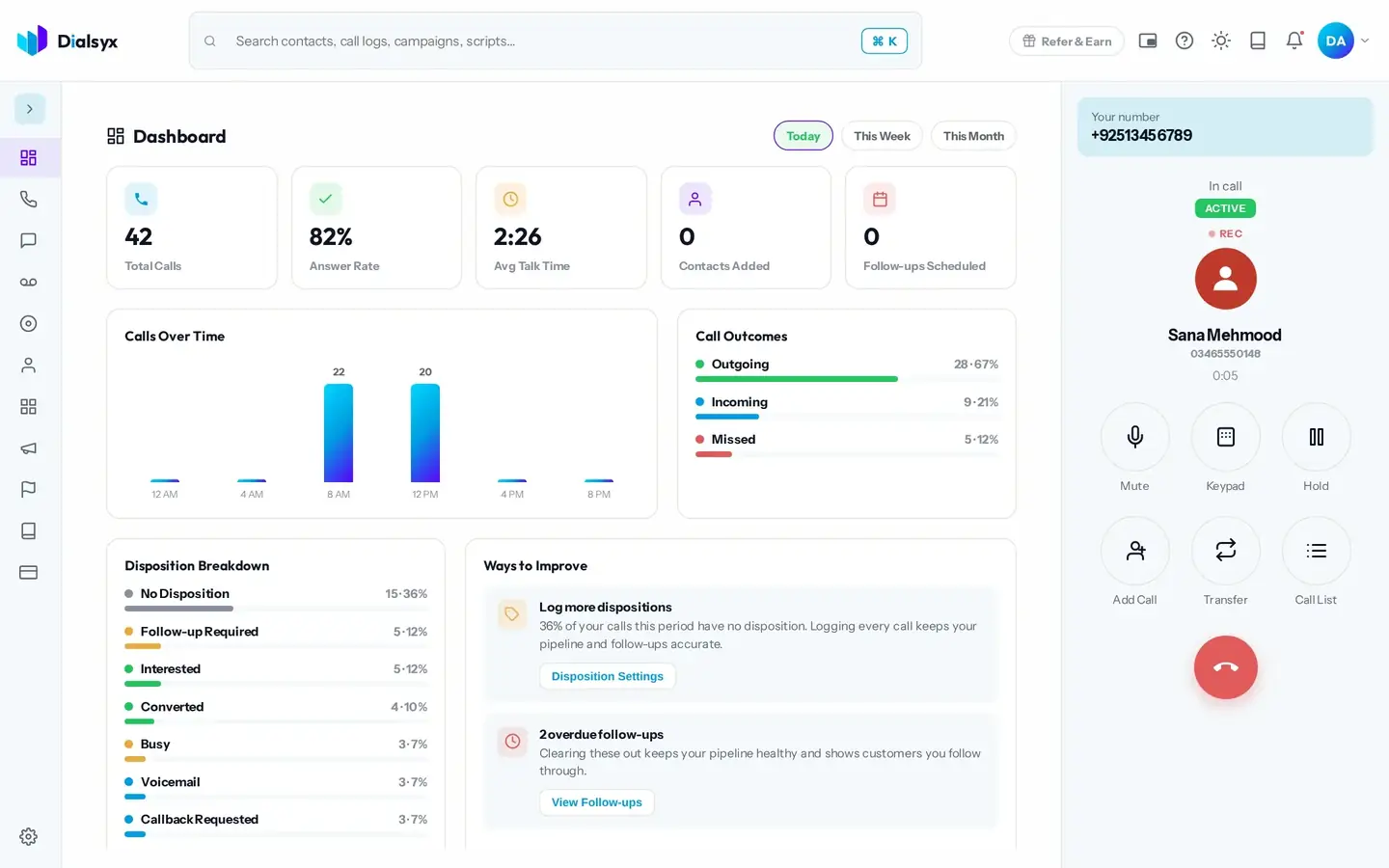
Open your script from the top bar during a call.
Keep your script on screen while you talk. Use categories and placeholders so each call stays personal.
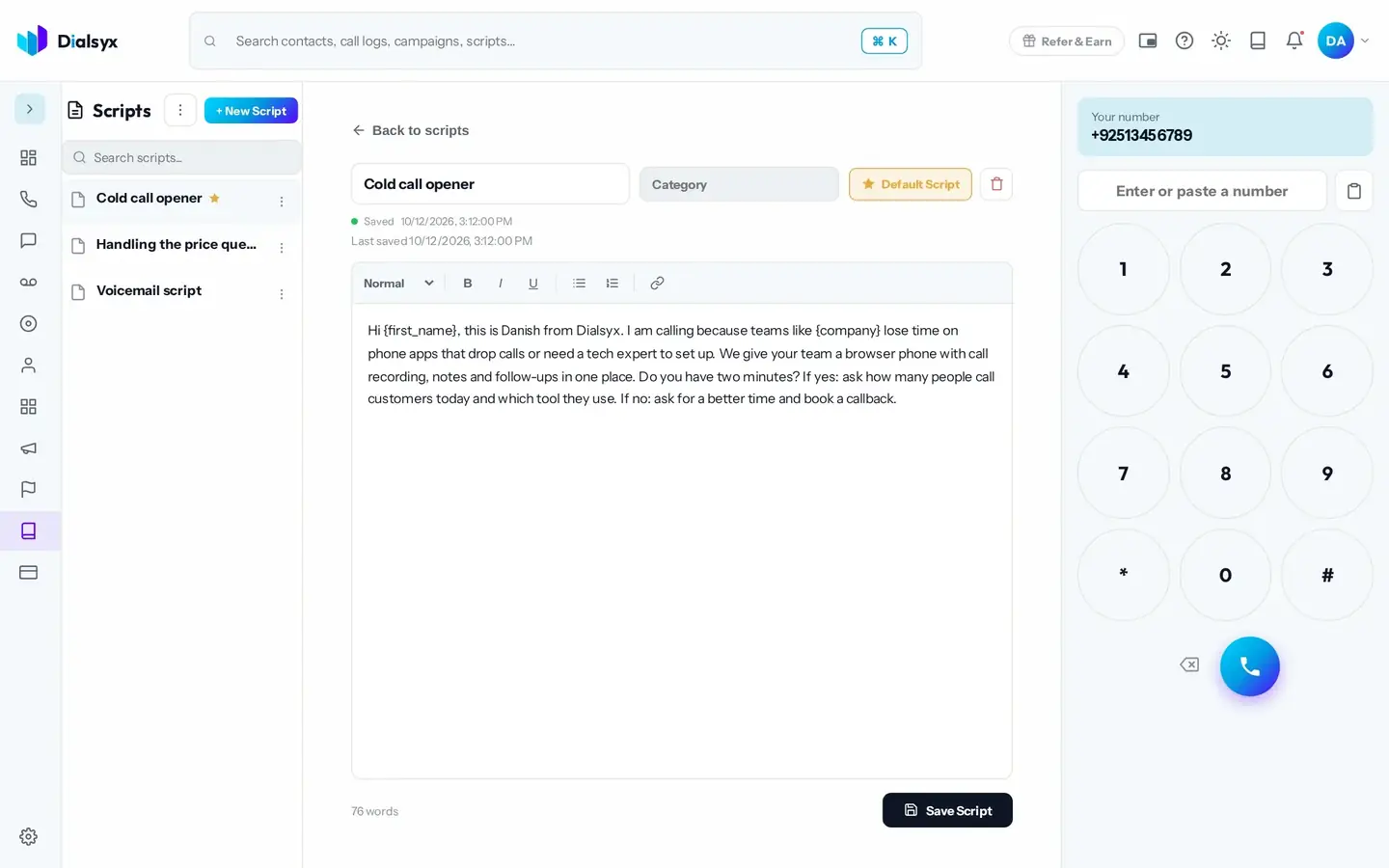
Open your script from the top bar during a call.
Placeholders fill in the contact's name.
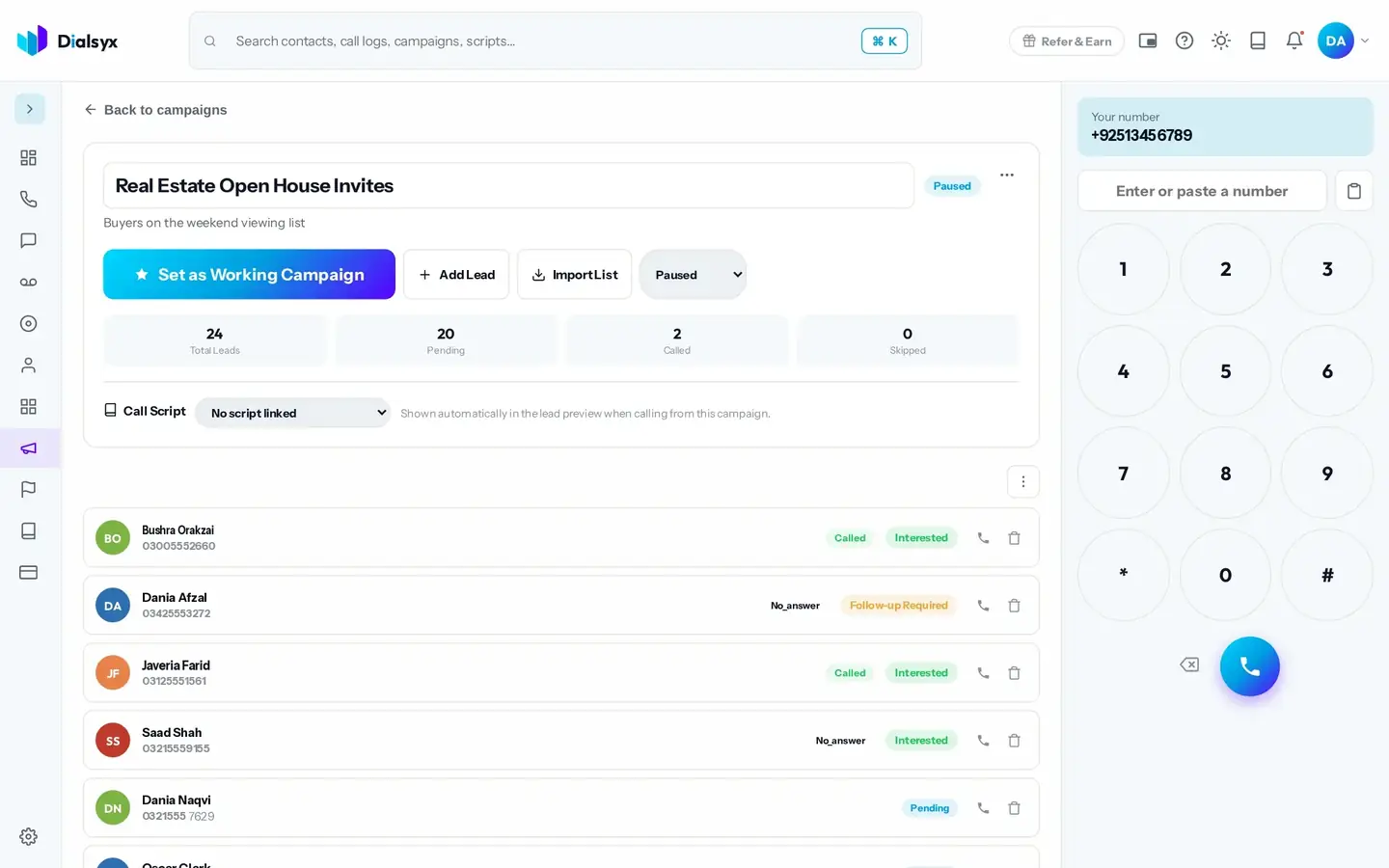
Open the right script for each campaign automatically.
Real screens from the Dialsyx dialer.
Write and format your scripts in one place.
Your script is one click away.
Link a script and it opens for every lead.
Step-by-step instructions with screenshots.
Yes. Organise them in categories and pick a default.
Yes. Placeholders fill in the contact's details.
Yes. After approval you can take a trial of a couple of hours or a demo meeting, case by case.
Guides that go with this page.
 Call scripts that convert: simple templates for sales, appointments and supportUse these simple call script templates for sales calls, appointment booking and customer support, with tips for adapting them to Pakistani English and Urdu.2 min read
 Cold calling in Pakistan: a practical guide for sales teamsCold calling can still work in Pakistan when it is respectful, prepared and tracked. A practical guide to lists, timing, scripts and follow-ups.3 min read
 A simple lead follow-up system: 7 steps to stop losing customersMost leads are lost to slow or forgotten follow-ups. This seven-step system shows how to capture, call, track and follow up every lead with a simple CRM.3 min read