

One click
Mark a contact Do Not Call from their page or from a call.
Mark anyone who asks not to be contacted. A clear banner shows on their contact page, and you stay accountable.
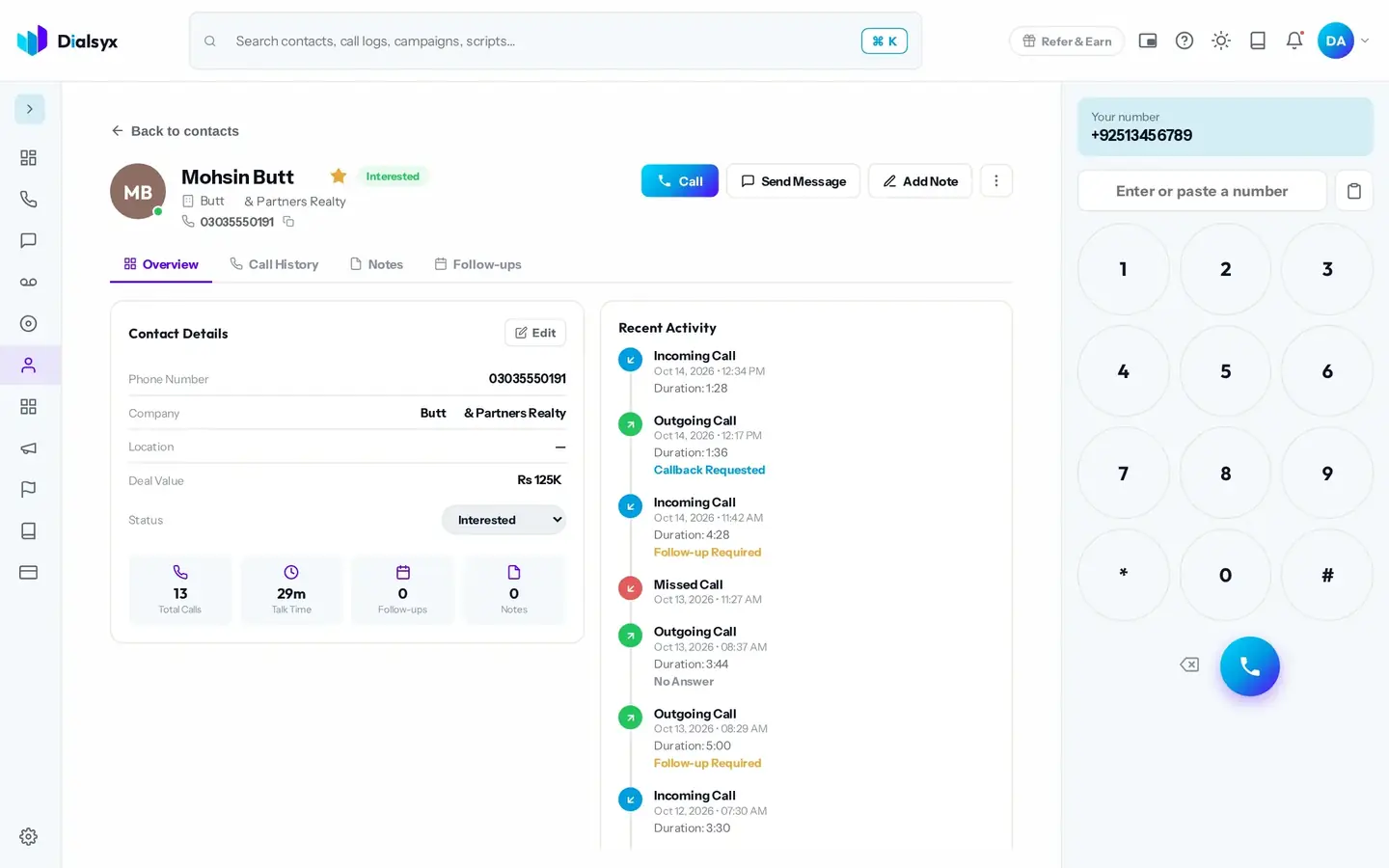
Mark a contact Do Not Call from their page or from a call.
The dialer shows the status on the contact page.
Respecting requests helps you meet the rules.
Real screens from the Dialsyx dialer.
The Do Not Call status is easy to see.
Choose Do Not Call as the outcome.
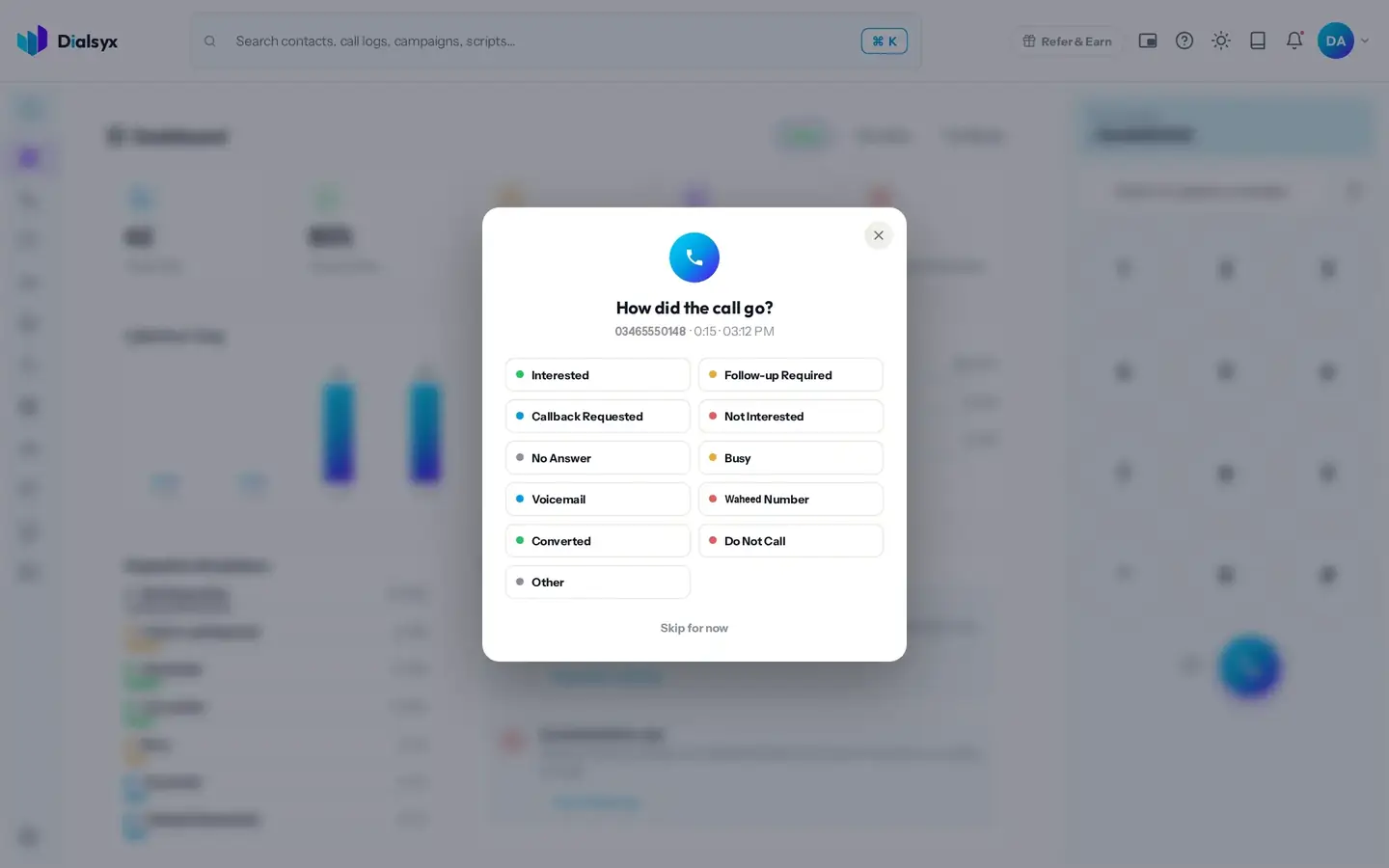
Keep your lists clean.
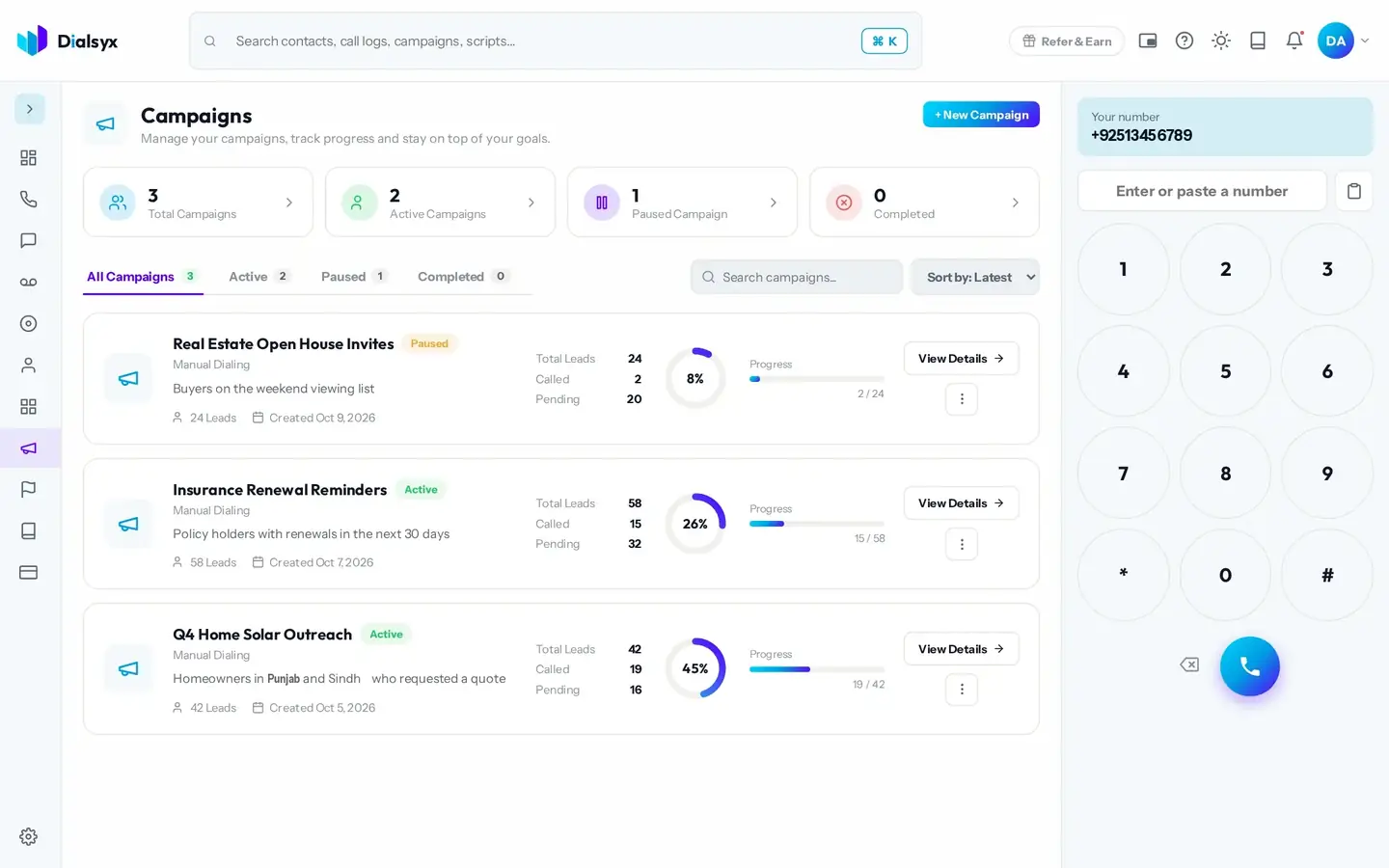
Step-by-step instructions with screenshots.
Dialsyx shows a clear Do Not Call banner. You remain responsible for respecting the request.
On the contact page, or choose Do Not Call as the outcome after a call.
Yes. After approval you can take a trial of a couple of hours or a demo meeting, case by case.
Guides that go with this page.
 Do Not Call lists and responsible calling in PakistanRespecting opt-outs protects your reputation and your numbers. Learn how to keep a Do Not Call list and make respectful, responsible business calls in Pakistan.2 min read
 Cold calling in Pakistan: a practical guide for sales teamsCold calling can still work in Pakistan when it is respectful, prepared and tracked. A practical guide to lists, timing, scripts and follow-ups.3 min read
 Call recording for Pakistani businesses: benefits, consent and good practiceRecording calls helps with training, quality and disputes. Here is how to do it fairly in Pakistan, with clear notice, secure storage and sensible retention.3 min read