

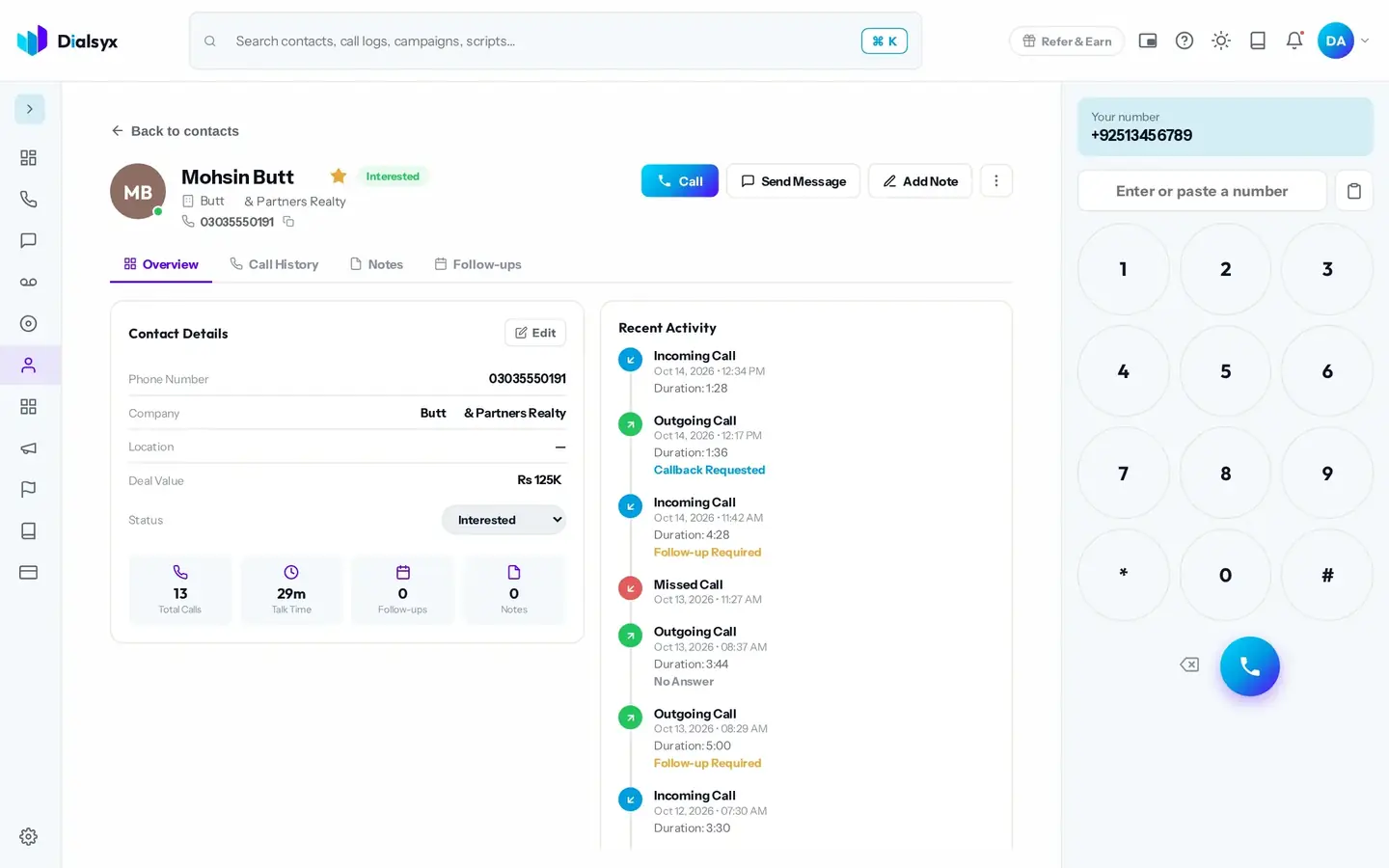
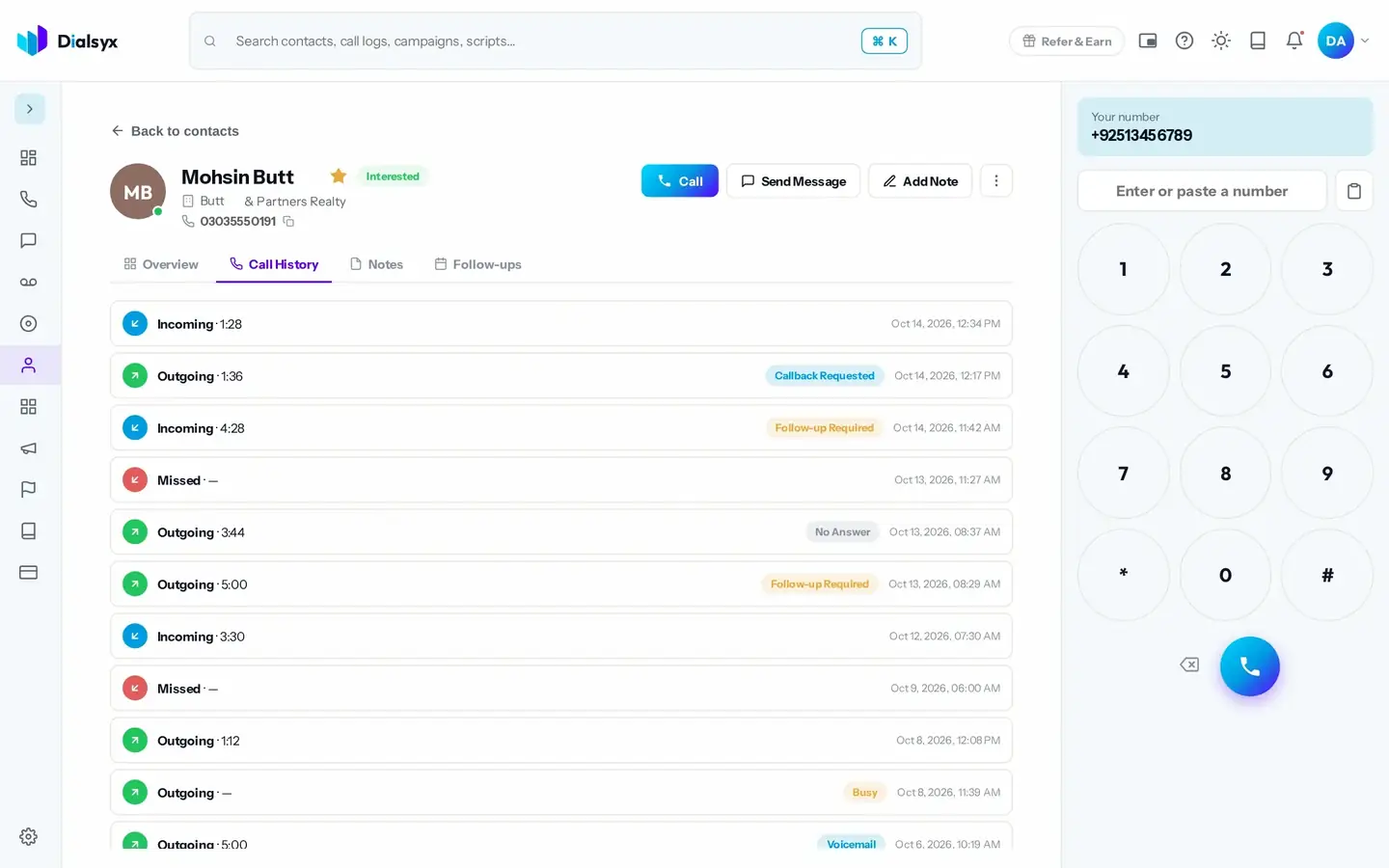
The Contacts screen lists everyone you talk to. Click a contact to see their details, notes and every call.
Add and import contacts
- Call, Send Message or Add Note straight from the contact page.
- Add a contact one by one, or import up to 5,000 from a CSV or Excel file.
- Add tags, a company, a deal value and notes.
- Mark someone Do Not Call if they ask not to be contacted. A banner then shows on their page.
Tip
Unknown numbers can be saved as contacts straight from the call screen or the call log.
Need help?Message us on WhatsApp +92 318 5231270, 9 AM to 5 PM Pakistan time, or email support@dialsyx.com.pk.