

Messages lets you keep a text conversation with any contact. The thread sits in the middle, and the contact's details and recent activity sit beside it.
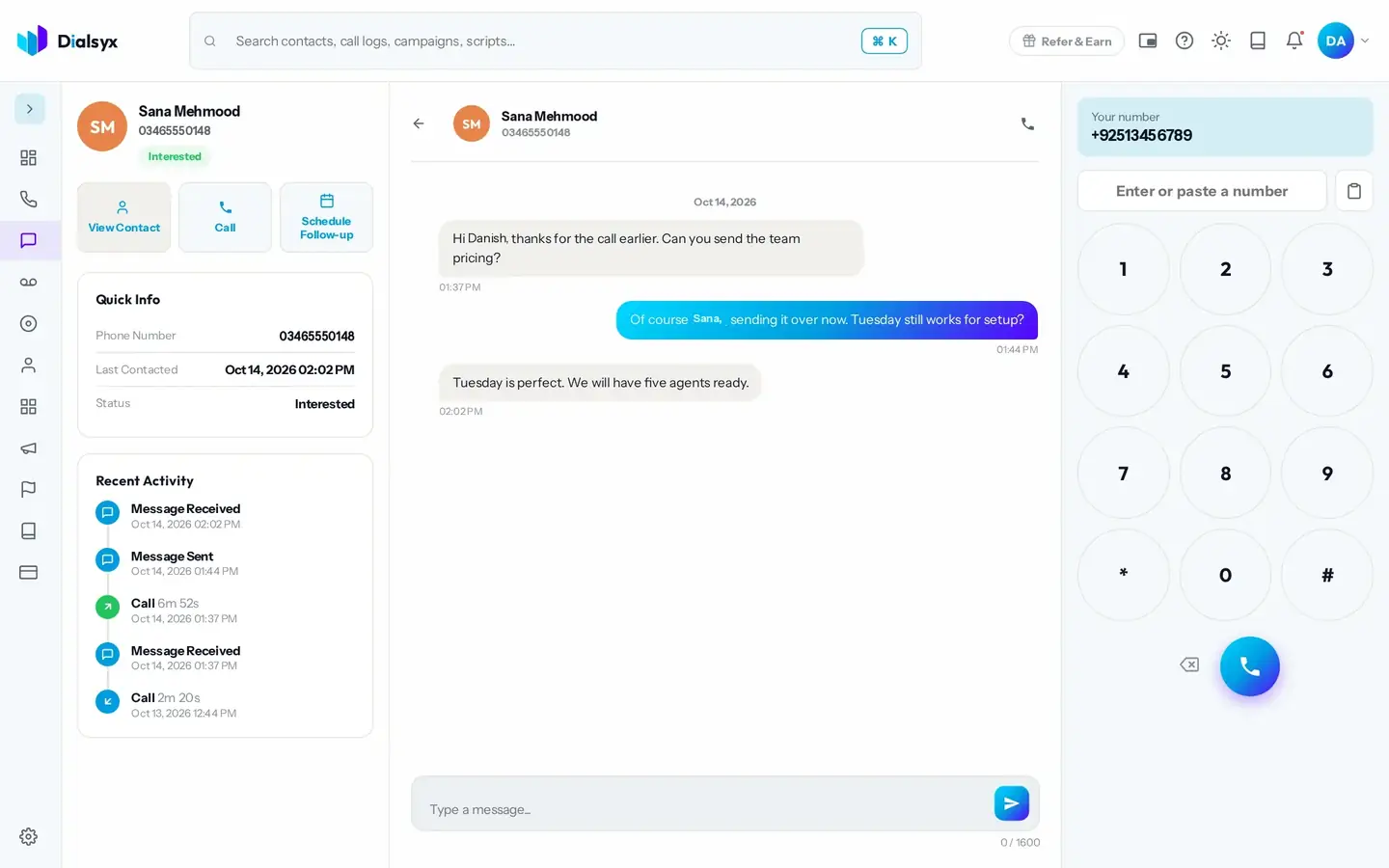
- Open Messages from the left bar, or press Send Message on a contact or a call.
- Type your message in the box at the bottom.
- Press the send button. Replies appear in the thread.
- Quick Info shows the phone number, last contact and status.
- Recent Activity lists messages and calls together, so you see the whole history.
- View Contact, Call and Schedule Follow-up buttons sit above the details.
Need help?Message us on WhatsApp +92 318 5231270, 9 AM to 5 PM Pakistan time, or email support@dialsyx.com.pk.