

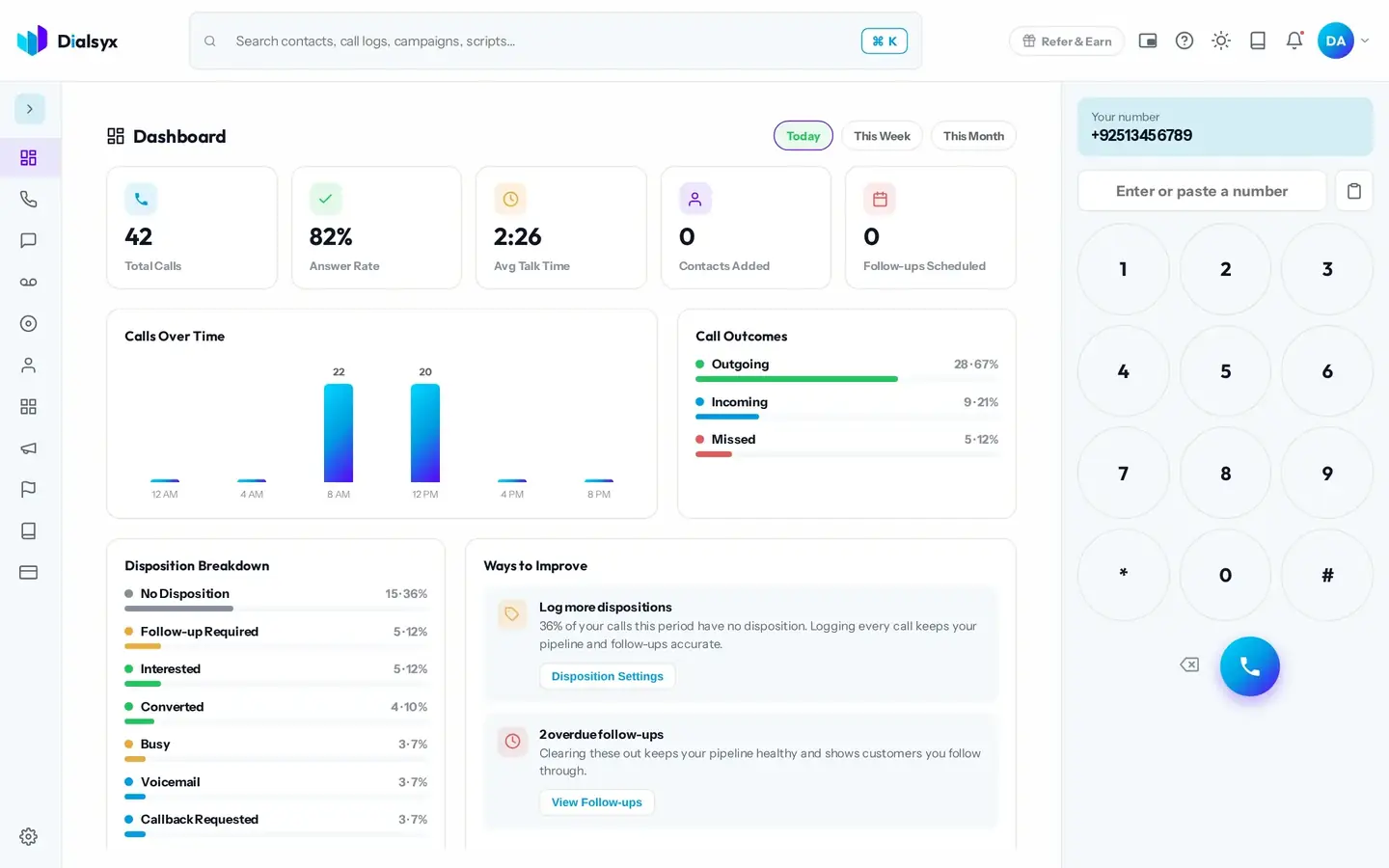
The dashboard is your home screen. It updates as you work, so you always know how the day, the week or the month is going.
What you see
- Total calls, answer rate, average talk time, contacts added and follow-ups scheduled.
- Calls over time, so you can see when you are busiest.
- Call outcomes: outgoing, incoming and missed.
- A disposition breakdown, showing how your calls ended.
- Ways to improve: short, practical tips based on your own calls.
Change the period
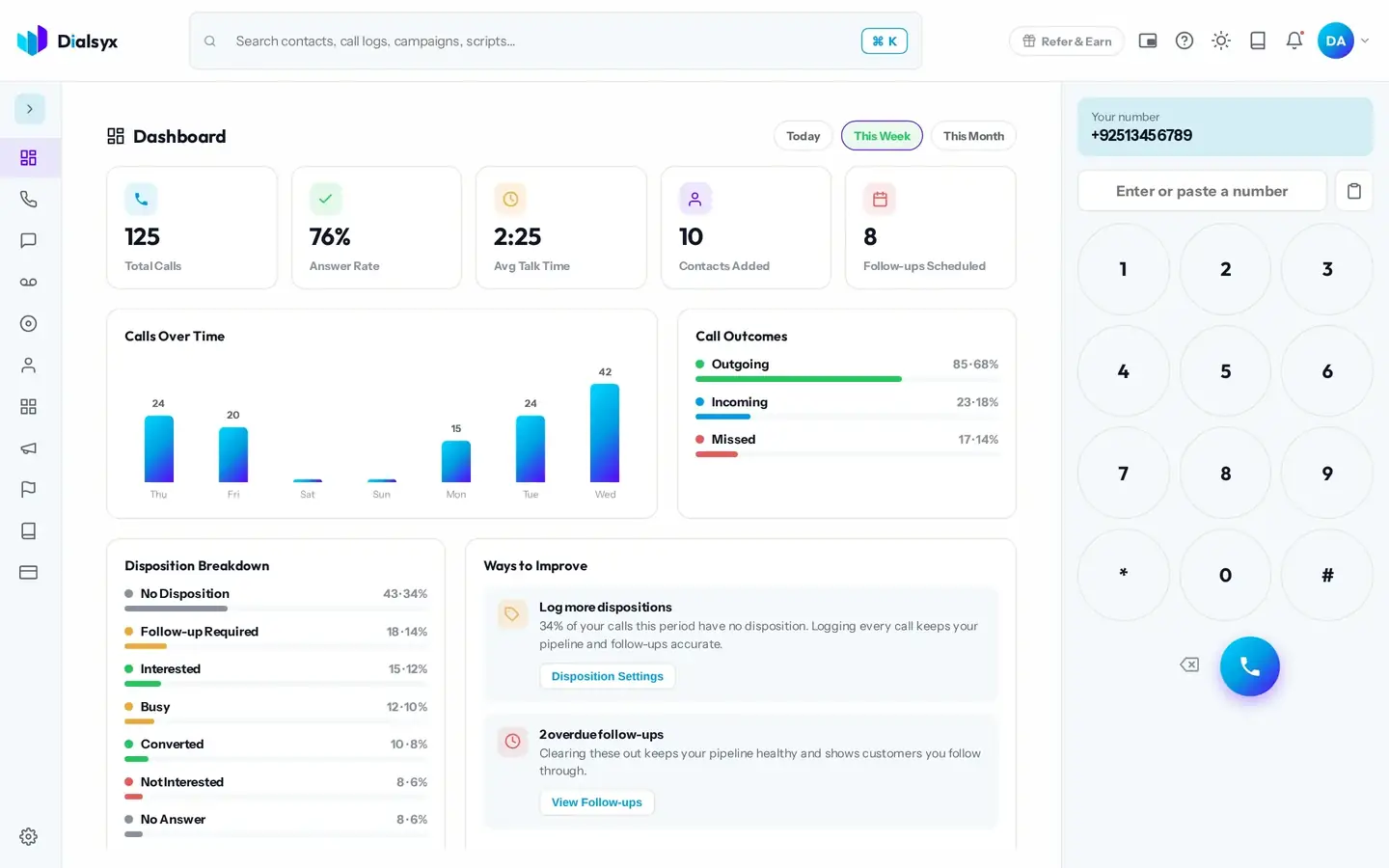
Use the Today, This Week and This Month buttons at the top right of the dashboard to change the period.
Tip
Open a tip under Ways to Improve to jump straight to the setting or screen that fixes it, such as Disposition Settings or View Follow-ups.
Light and dark
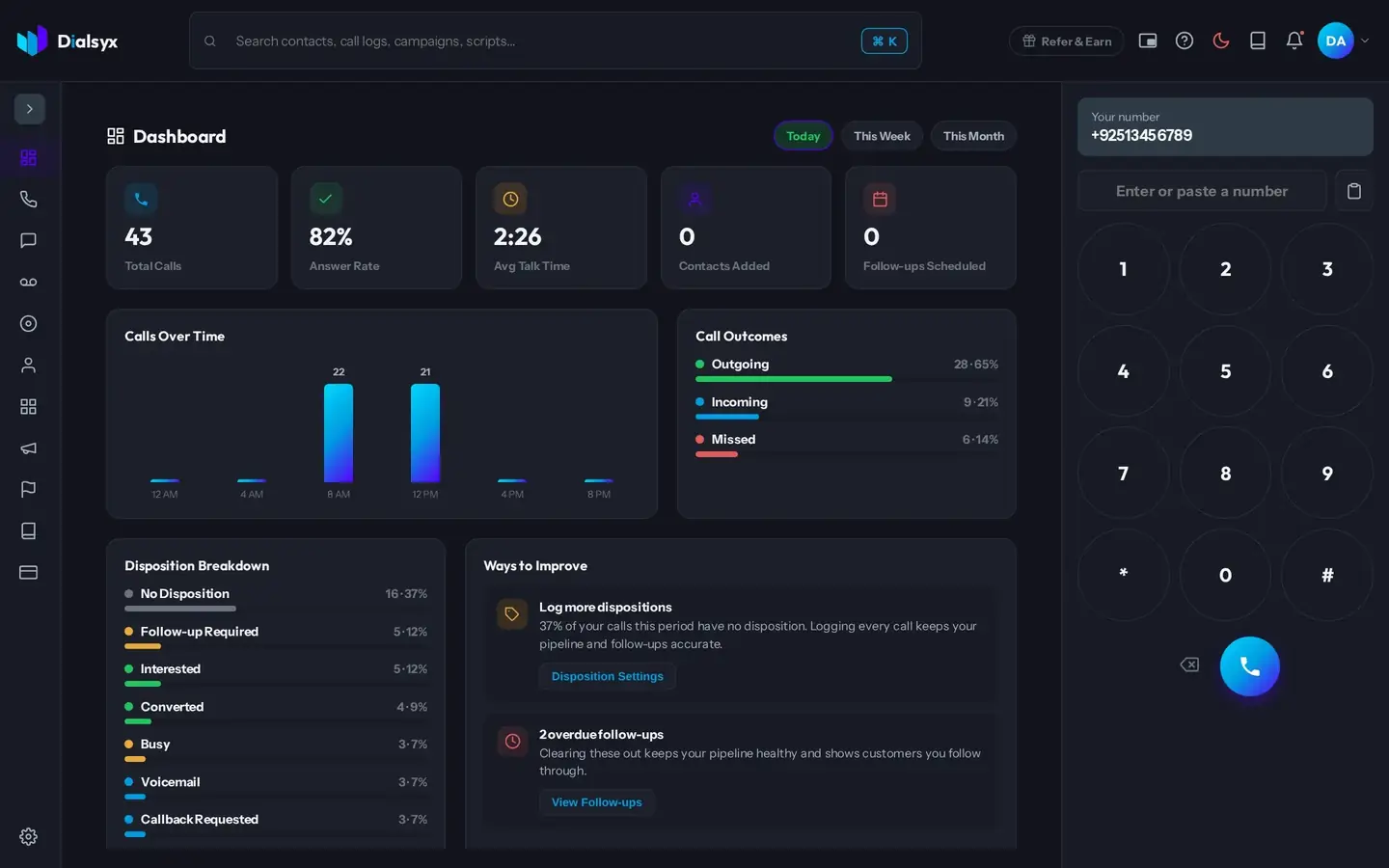
Use the sun icon in the top bar to switch between light and dark. Your choice is remembered.
Need help?Message us on WhatsApp +92 318 5231270, 9 AM to 5 PM Pakistan time, or email support@dialsyx.com.pk.