

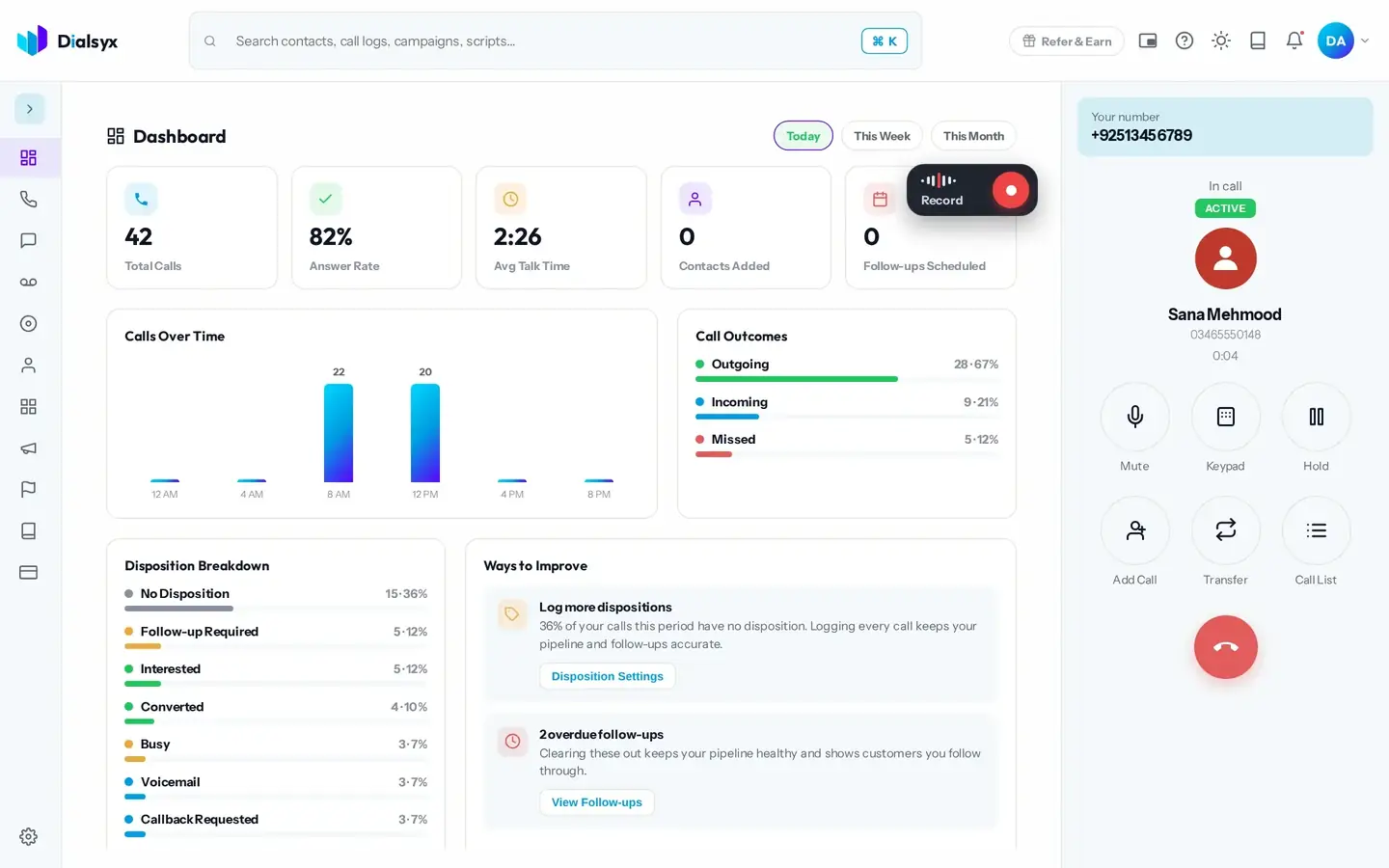
During a call, a panel of controls appears on the right. Everything you need is one tap away, and the call timer shows how long you have been talking.
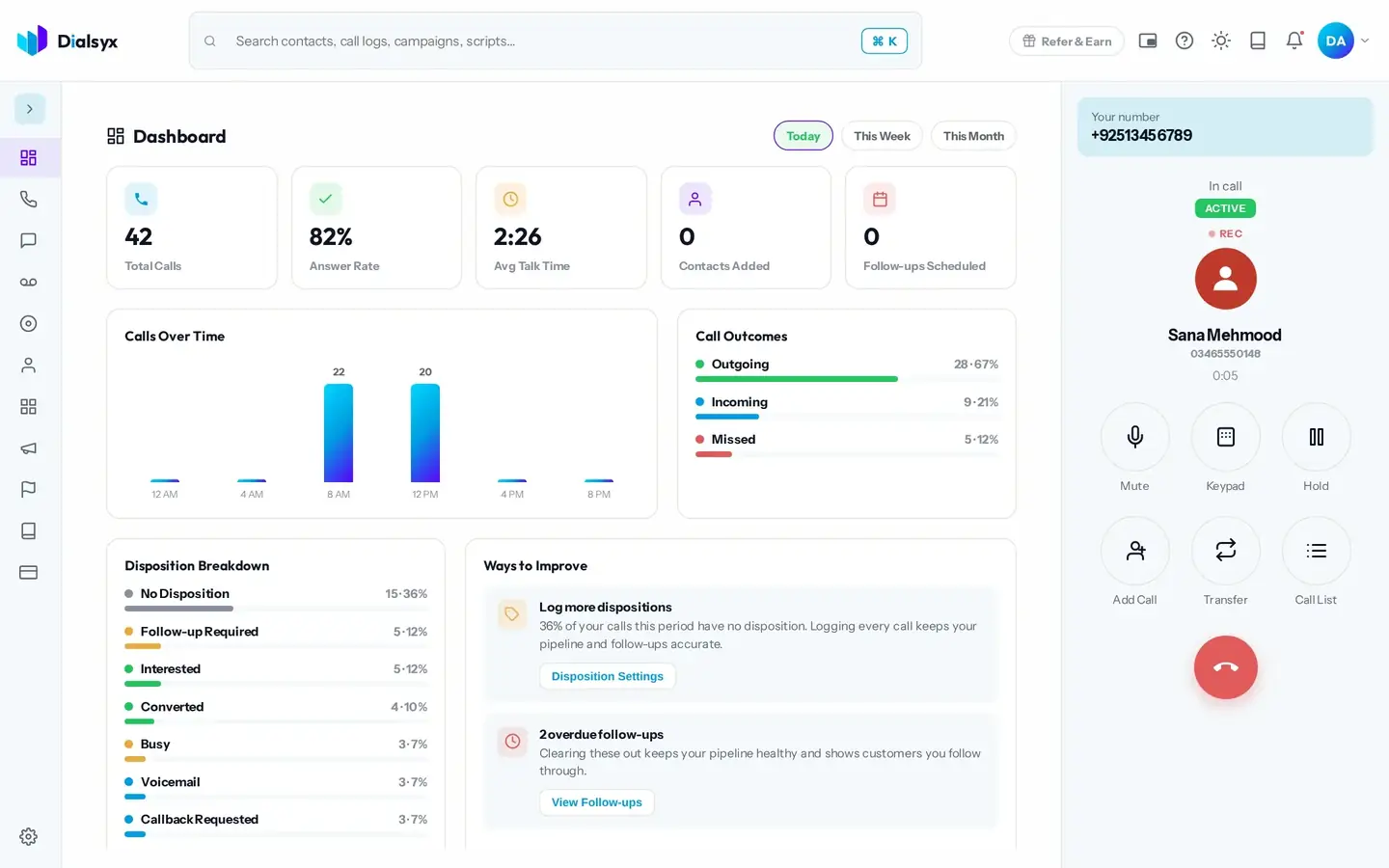
Mute
Tap Mute to stop the other person hearing you. Tap it again to unmute.
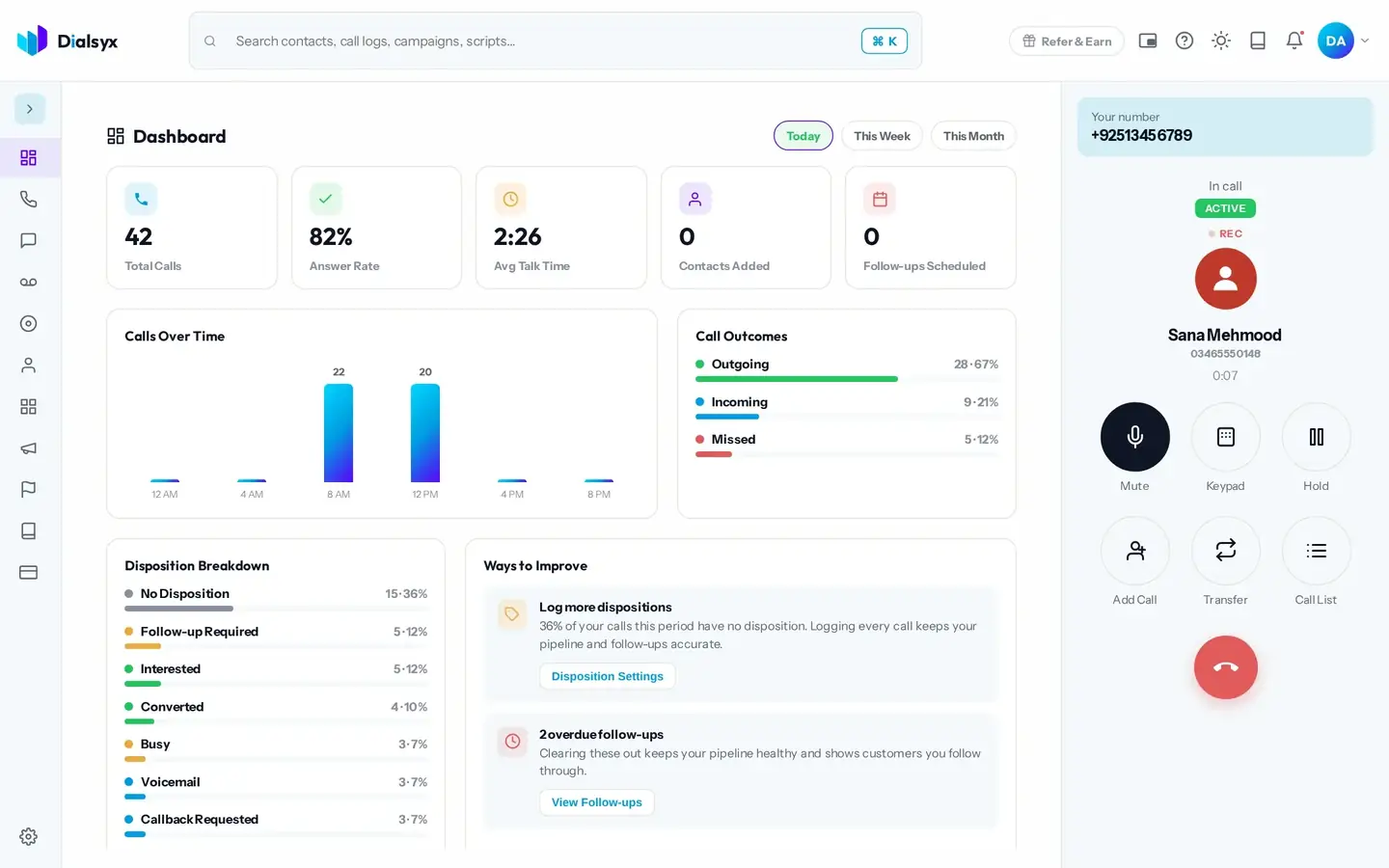
Keypad
Open the keypad to send tones, for example to move through a phone menu.
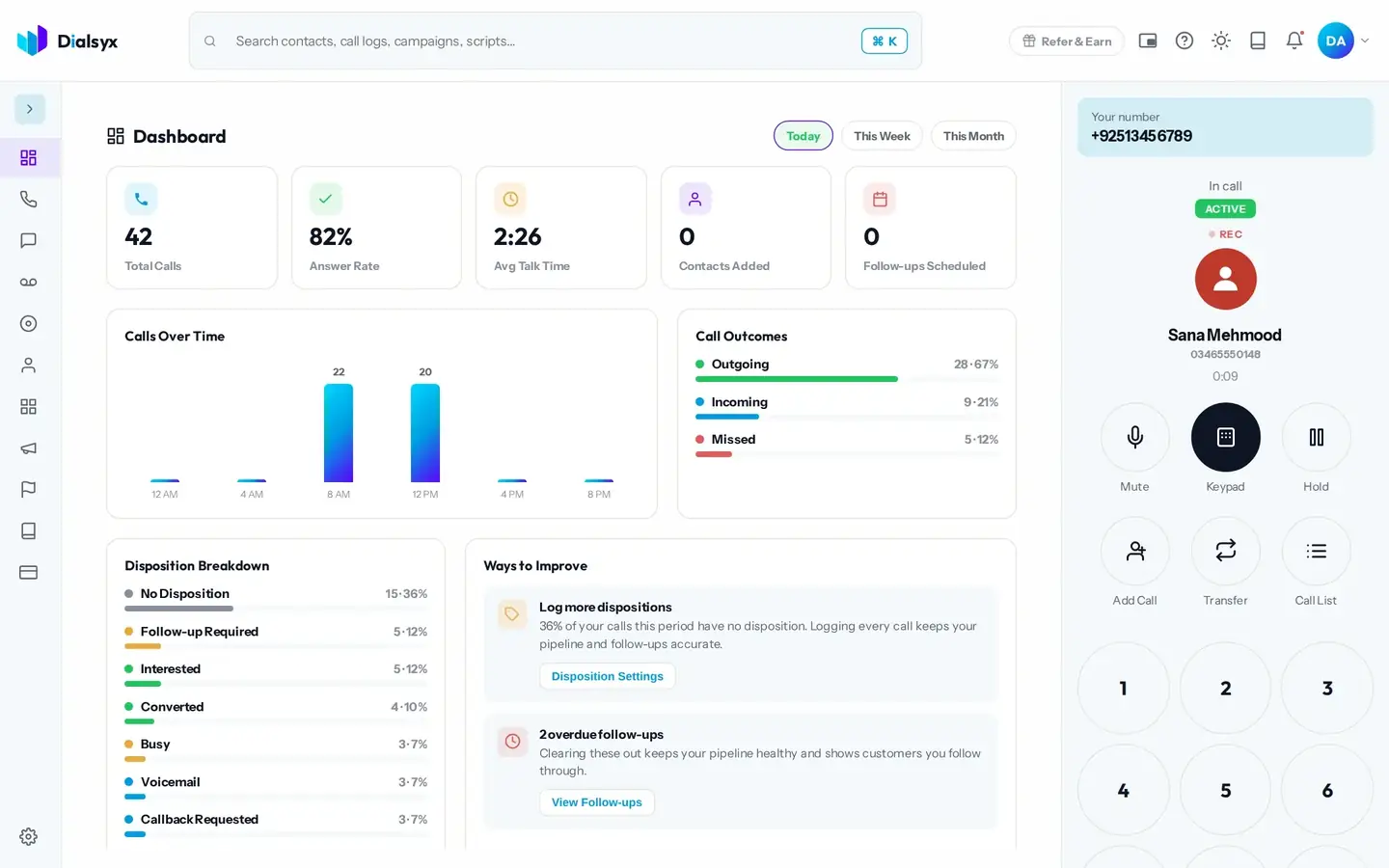
Hold
Tap Hold to put the caller on hold. Tap Resume to come back to them.
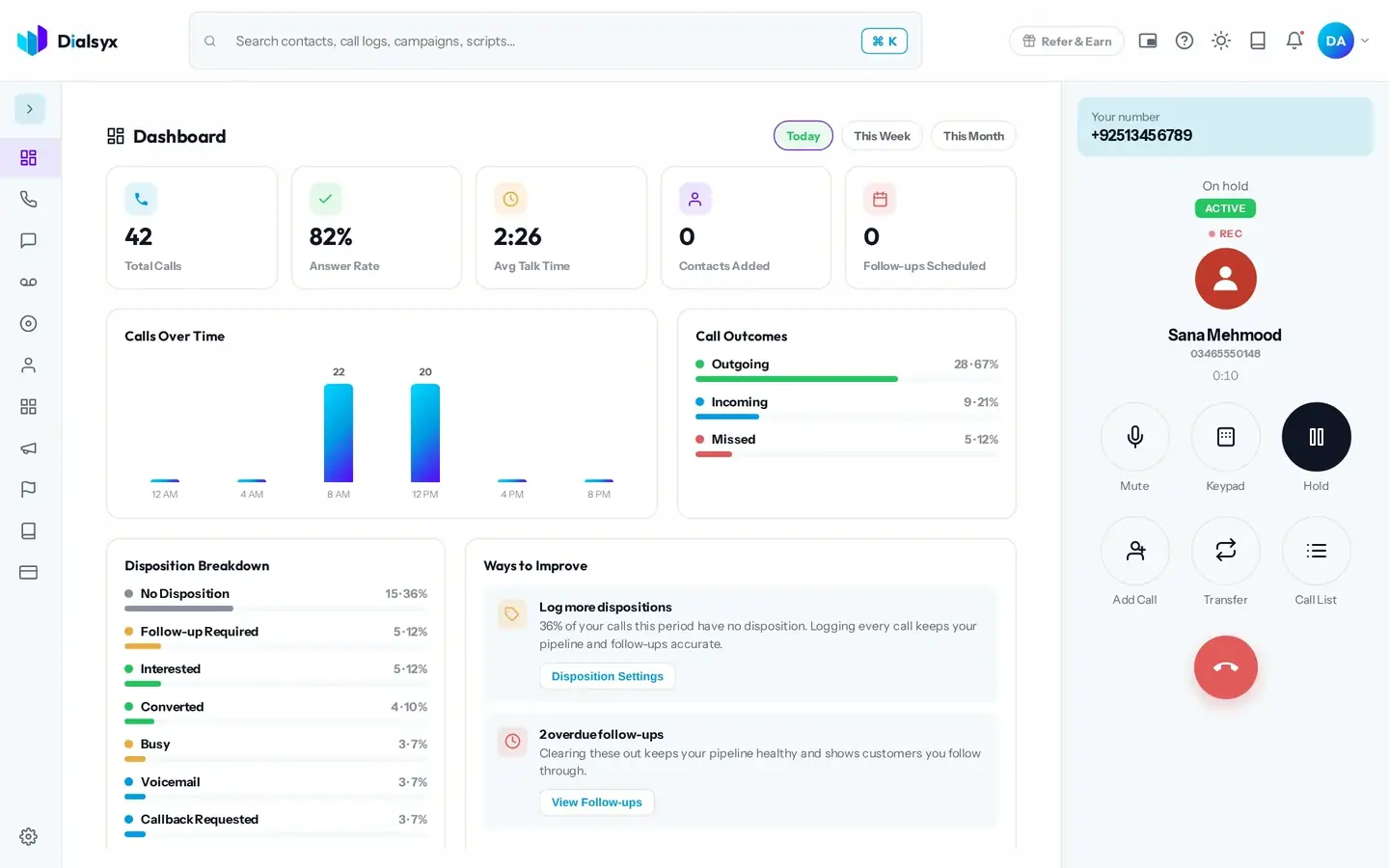
Add call, transfer and call list
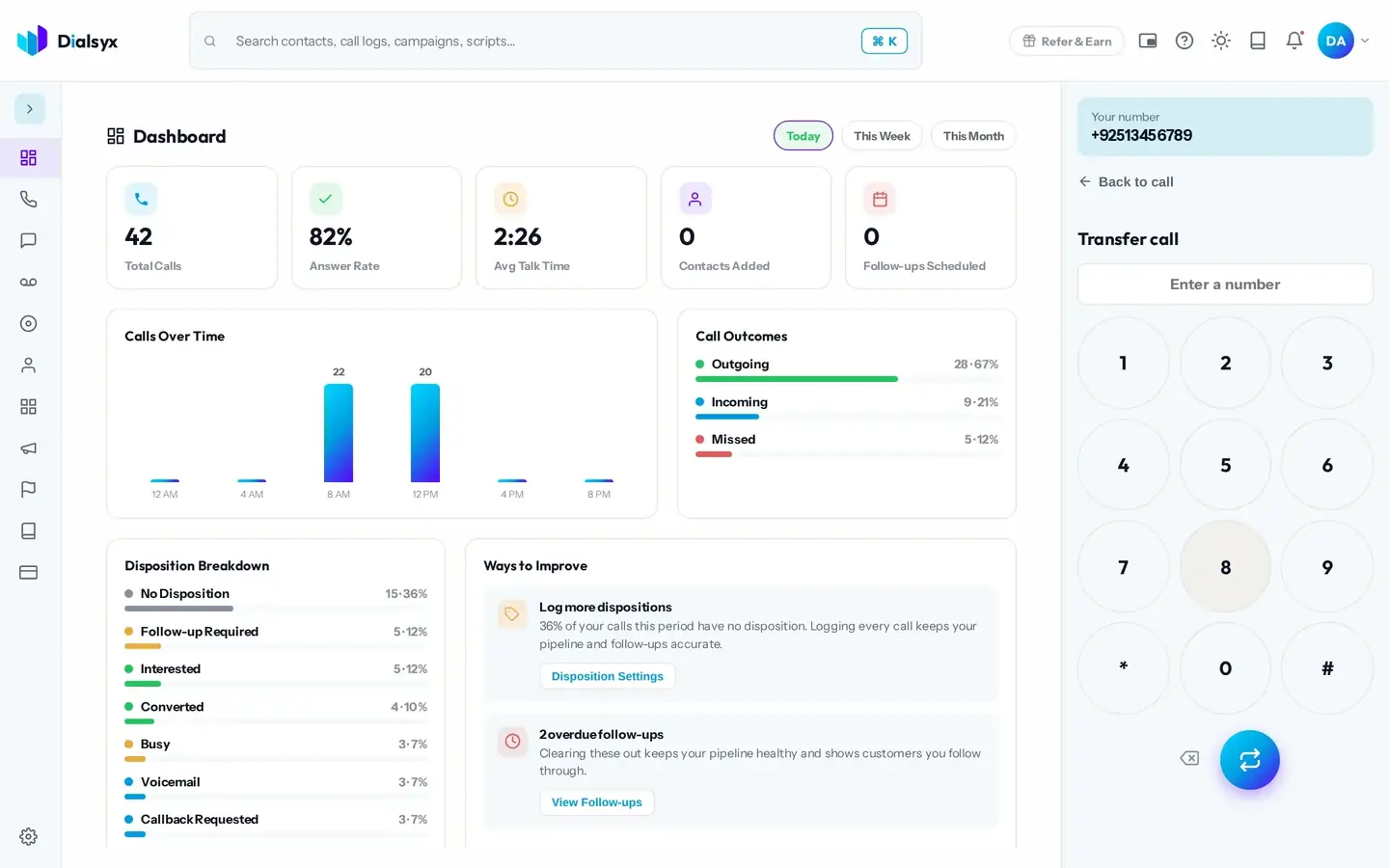
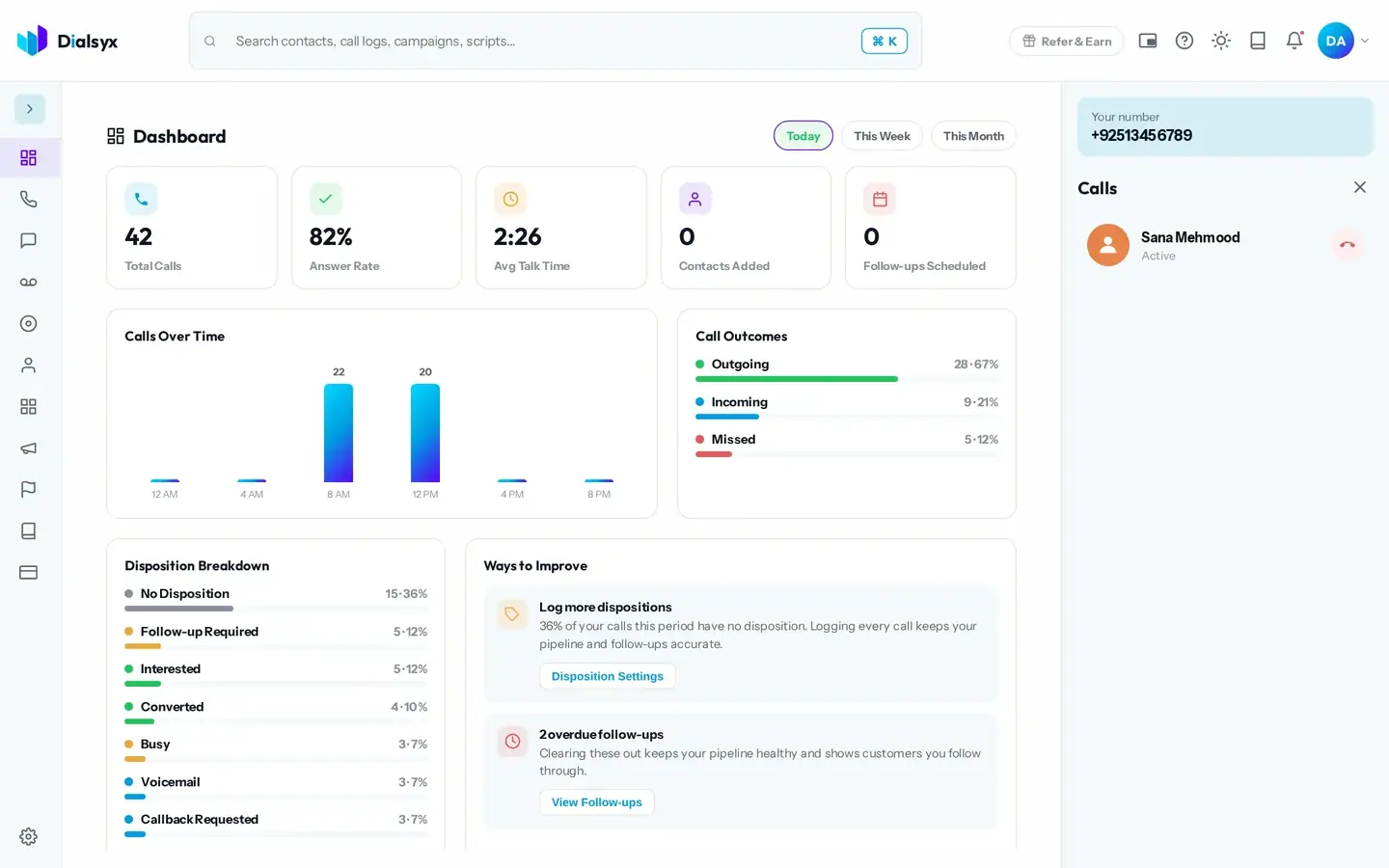
Use Add Call to dial a second number while the first caller waits on hold. Use Transfer to hand a call to any number, and Call List to switch between calls.
Record a call
If you have the Recording add-on, a small Record card lets you capture just the calls you choose.
Tip
Tell the other person at the start of the call if you record, and get their consent where the law or your policy requires it.
Need help?Message us on WhatsApp +92 318 5231270, 9 AM to 5 PM Pakistan time, or email support@dialsyx.com.pk.